Complete User Management and Access Control
Onboard users in seconds, lock down access with fine-grained roles, and connect any identity provider your team already uses - all from one place.








Every layer of access control, in one system
From first invite to last logout - user lifecycle, authentication, permissions, and identity sync all work together.
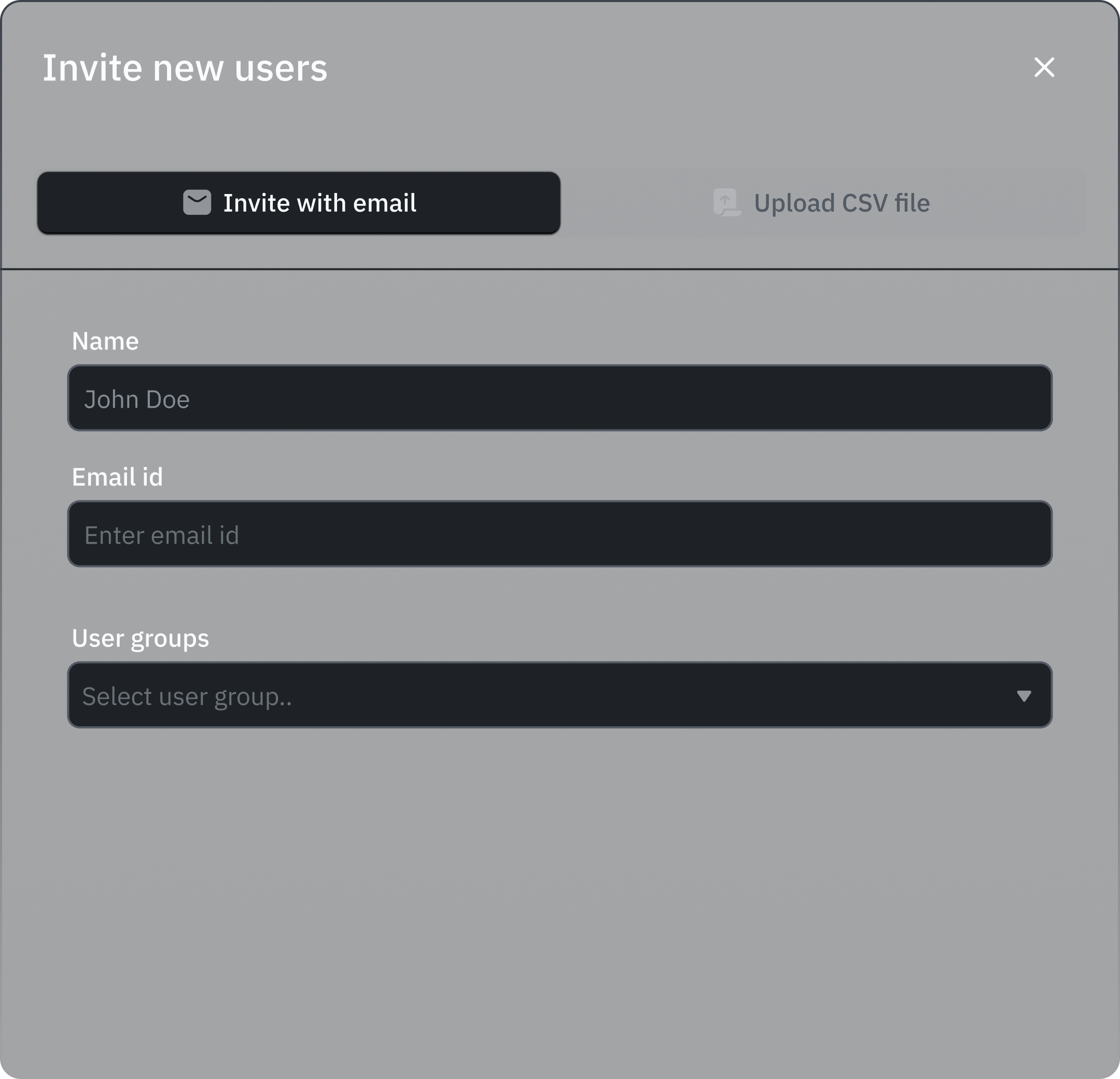
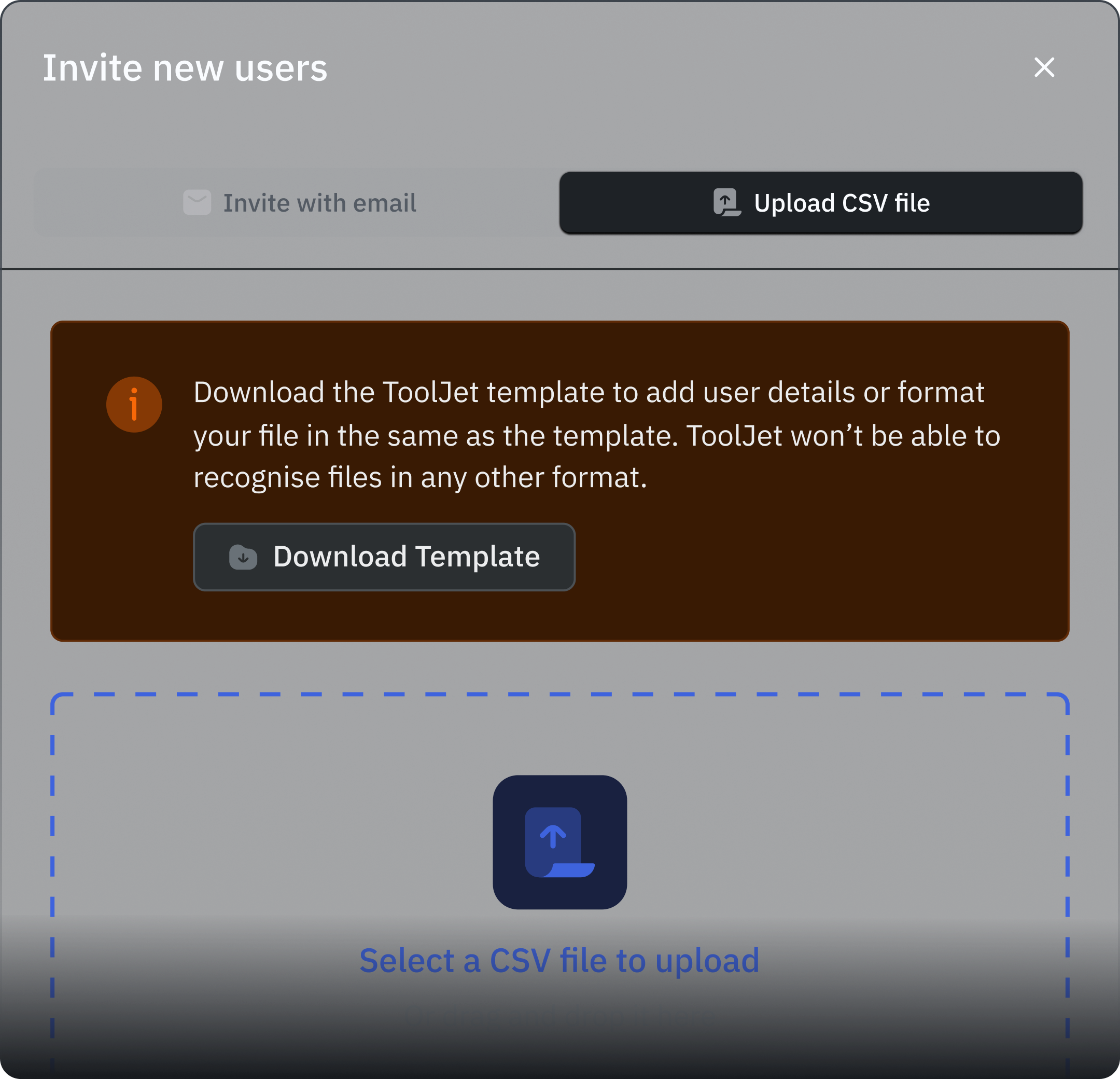
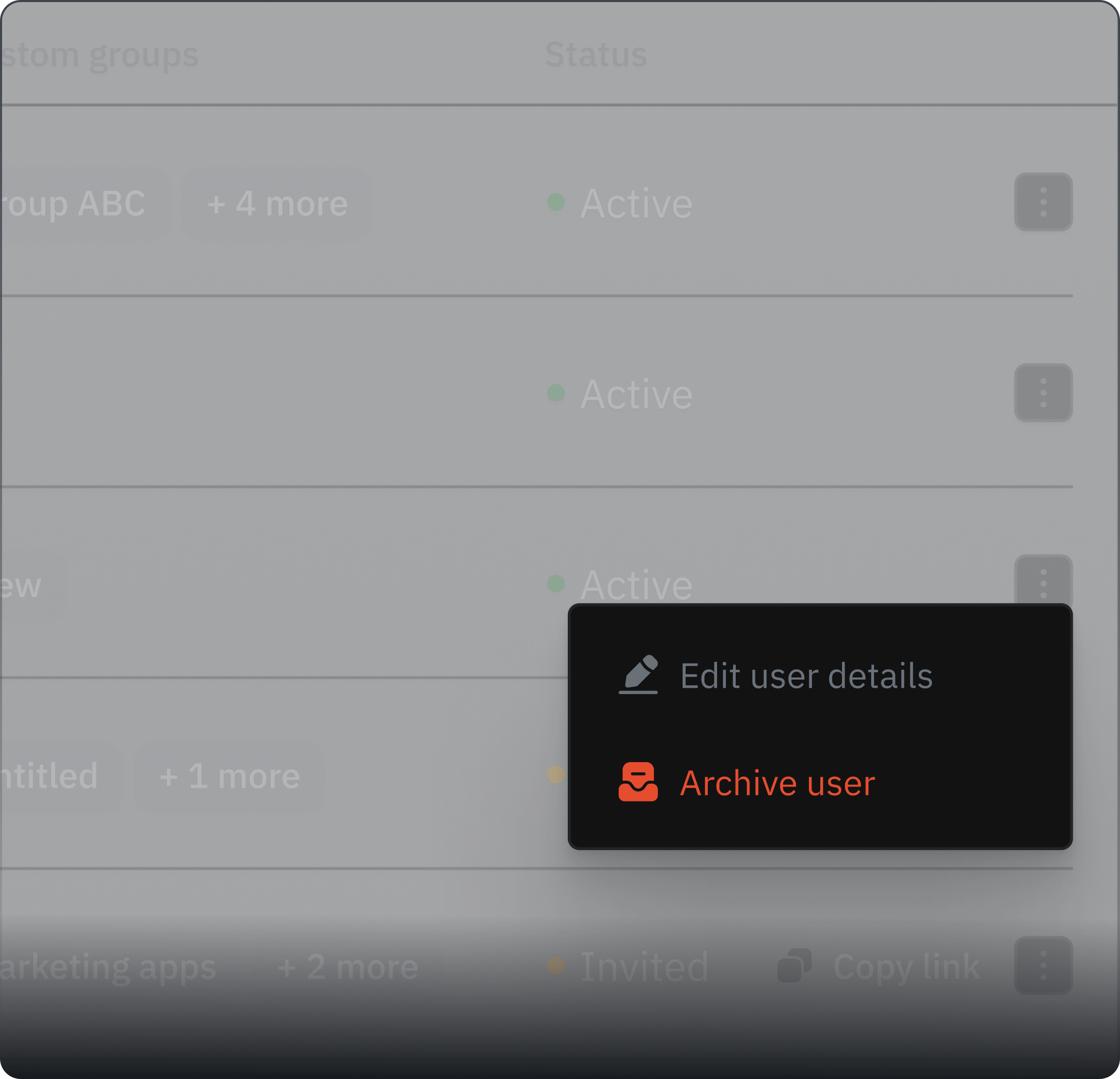
Invite users one-by-one, via CSV bulk upload, or let them self-register. Archive users without deleting their data - billing-safe and reversible.
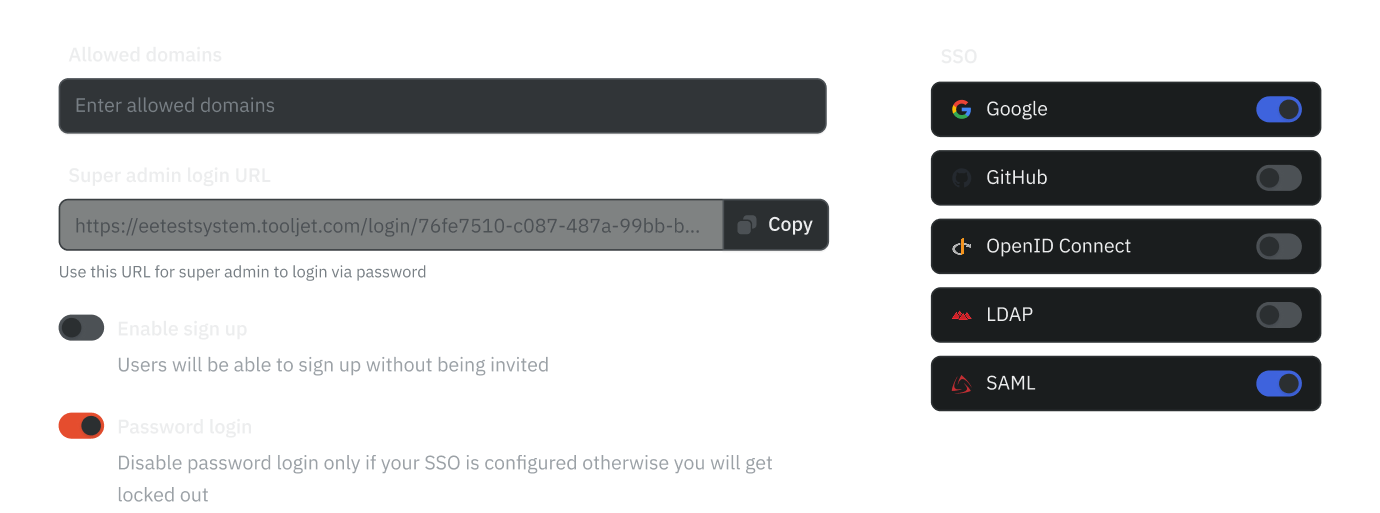
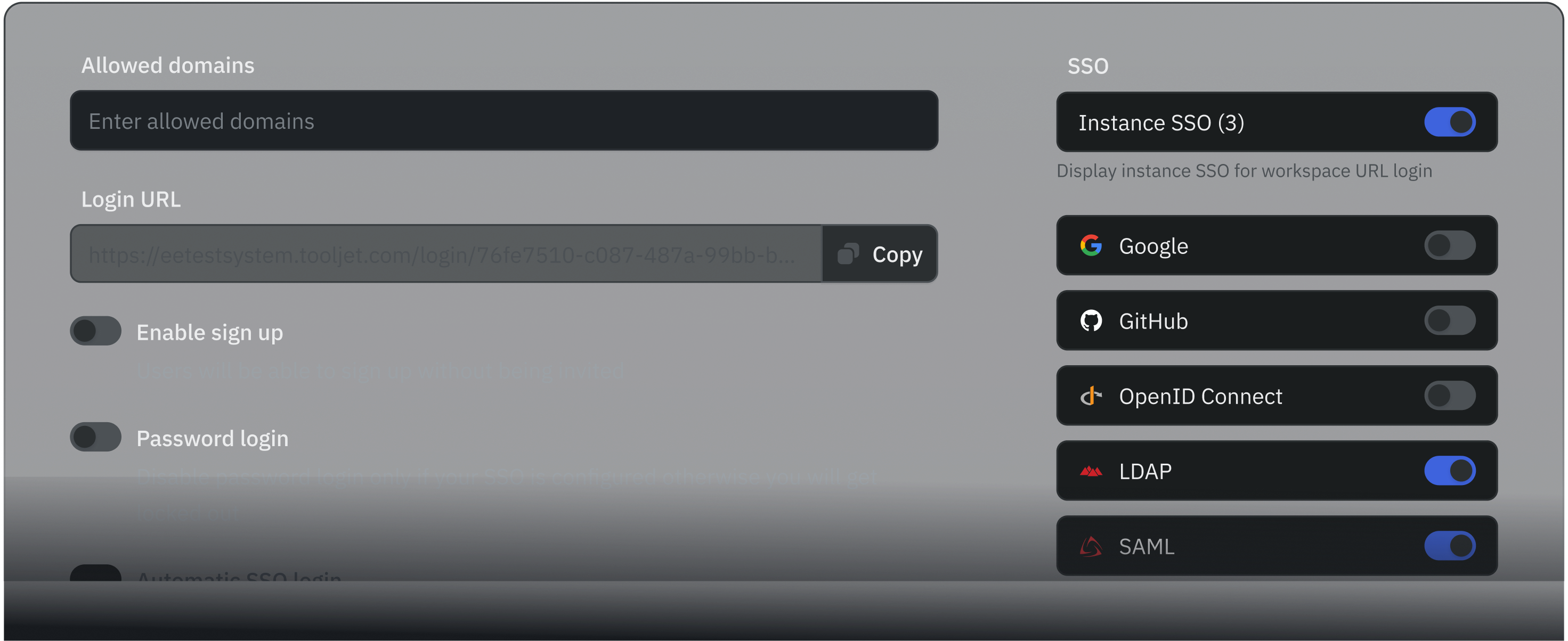
Set login policies at the instance level or per-workspace. Toggle password login, set allowed domains, and enable automatic SSO redirect.
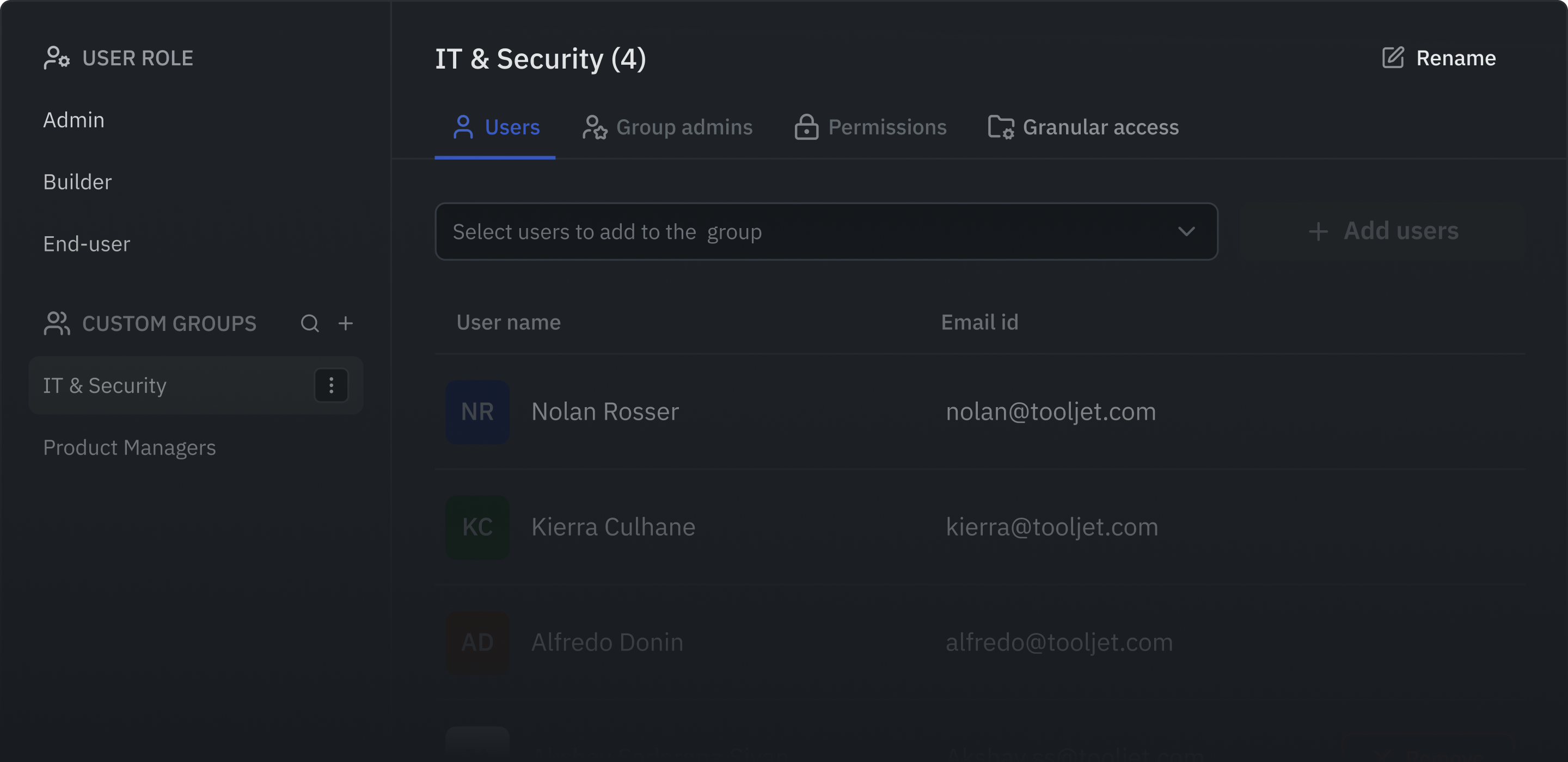
Three built-in roles (Admin, Builder, End User) plus unlimited custom groups with action-level permissions on apps, data sources, and workflows.
Connect GitHub, Google, Azure AD, Okta, LDAP, SAML, and more. SCIM 2.0 automates user provisioning from your identity provider.
Add and remove users without the back-and-forth
Every method you need: email invites, CSV imports, self-signup links, and clean offboarding that doesn't break audit trails.
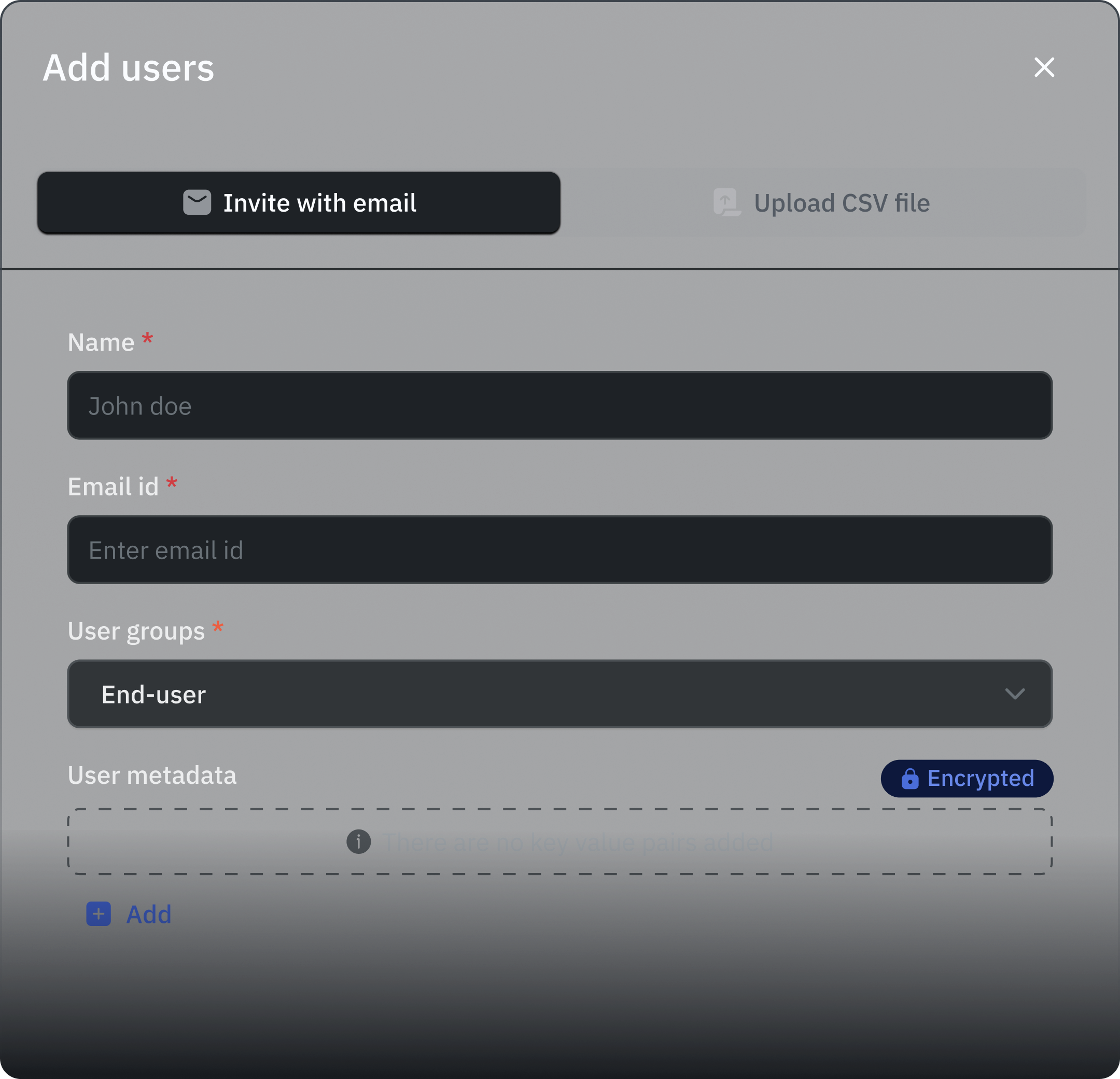
Send individual invites and assign roles plus custom group membership in the same step.
Two-tier login control for every deployment
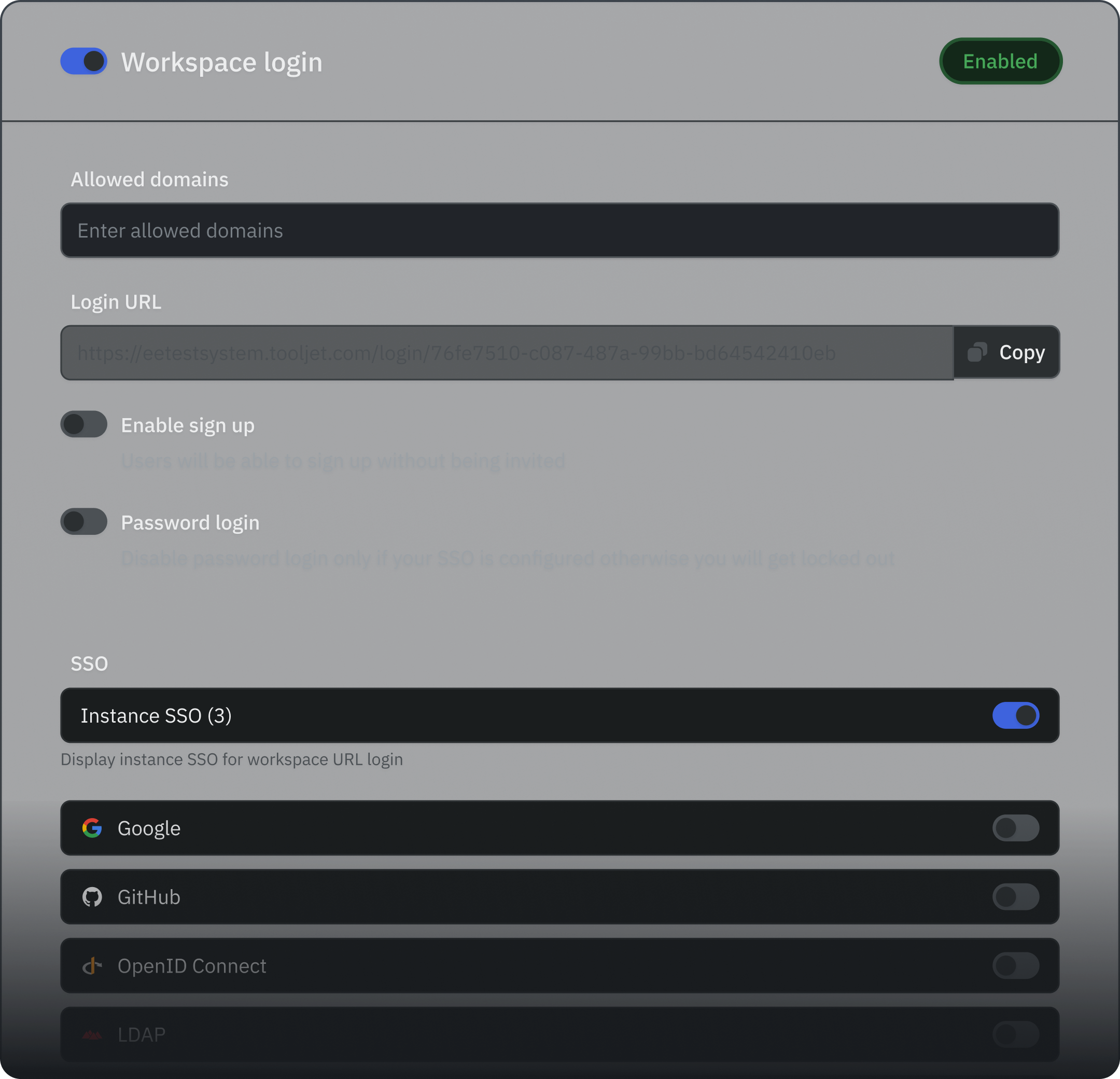
Configure authentication at the instance level for global defaults, then override per-workspace for departments that need stricter policies.
Instance-level login (self-hosted)
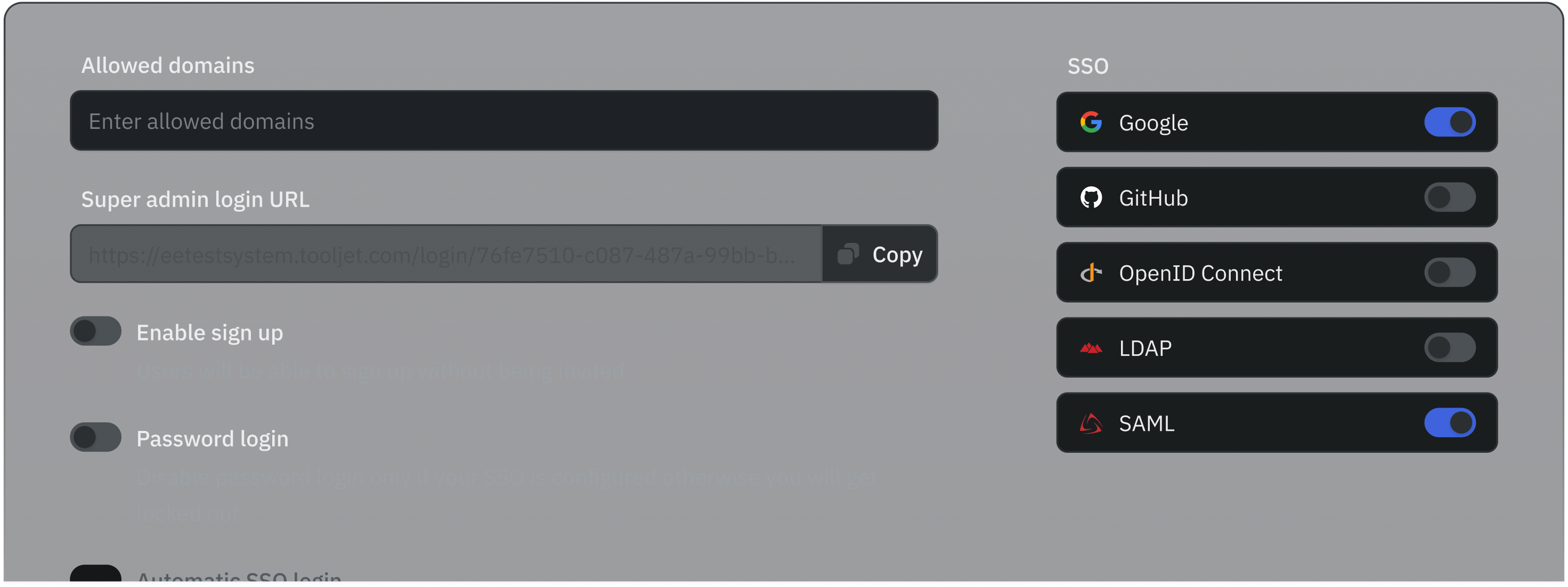
Super Admins set defaults for the whole deployment - SSO providers, password rules, domain allowlists, and signup controls.
Workspace-level overrides
Individual workspaces can use different auth providers. Finance can require SAML; engineering can use GitHub SSO.
Domain restrictions
Restrict login to specific email domains for SSO and password methods separately. Blocked domains take priority.
Password security controls
Set complexity requirements, lock accounts after failed attempts, and force resets - all via environment variables.
Automatic SSO login
When password login is off and exactly one SSO provider is active, users skip the login page entirely.
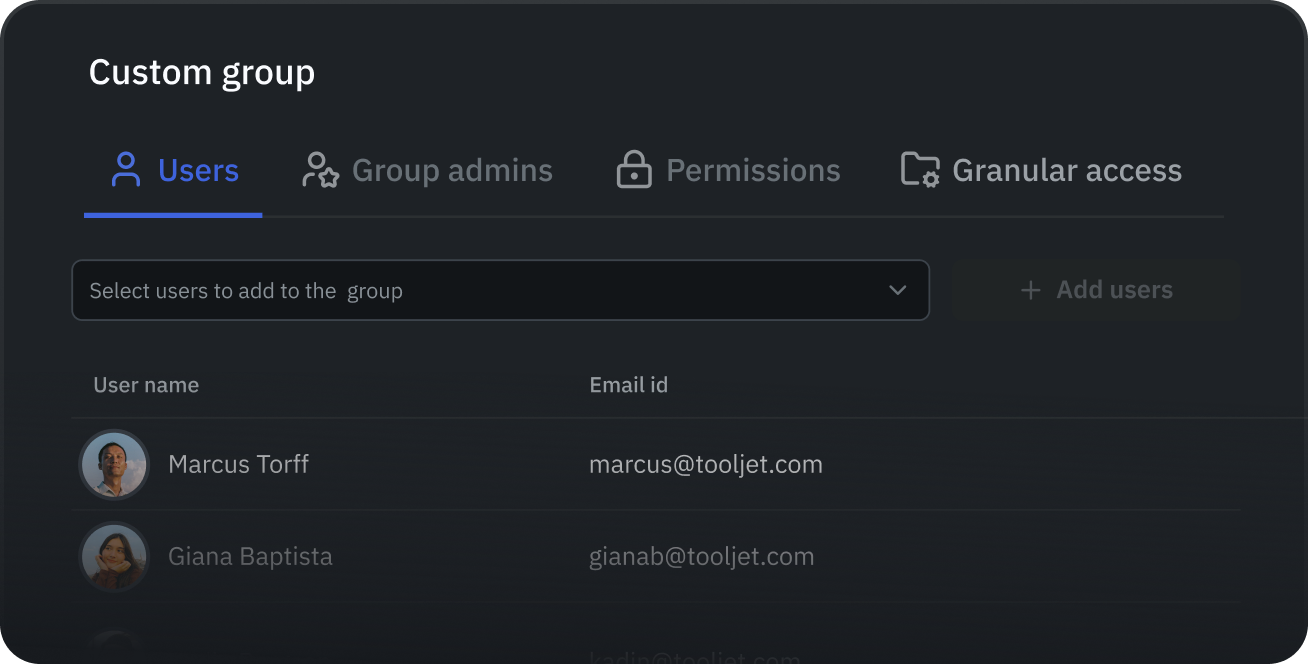
Know exactly who can do what
Three built-in roles define the baseline. Custom groups let you dial in permissions at the resource level - per app, per data source, per workflow.
Admin
Full workspace control. Manages users, groups, SSO settings, all apps, data sources, and workspace constants. Can promote other users.
Builder
Creates and customises apps. Admins can restrict exactly which resources Builders can access - configurable per resource type.
End User
Views and uses released apps only. Cannot create, delete, or modify any workspace resources. Intended for production app consumers.
Custom Groups
Create groups for teams or departments (HR, Sales, Finance) and assign only the relevant users. Users inherit the highest permission across all their groups. Duplicate or delete groups as your org evolves.
Granular Access Control
Per group, set exactly what's allowed: Edit or View apps, Configure or Build With data sources, Build or Execute workflows, and Edit or View folders - applied to all resources or a custom selection.









Connect any identity provider your team uses
SSO integrations cover every major protocol. Configure per-workspace so each team authenticates through their own IdP.
GitHub & Google OAuth
One-click setup using standard OAuth 2.0. Supports GitHub Enterprise self-hosted instances. Google uses scopes for email and profile data.
SCIM 2.0 Provisioning
Automate user lifecycle: create, update, deactivate, and group-sync users from your IdP. Supports Basic Auth or Header Token. Enable via SCIM_ENABLED=true.
SAML 2.0 (Okta, Entra ID)
Upload IdP metadata XML to connect Okta, Microsoft Entra ID, or any SAML-compliant provider. Attribute statements map user data into ToolJet.
LDAP / Active Directory
Authenticate against on-premises LDAP or Active Directory. Supports SSL, multiple base DNs, and auto-syncs profile pictures on first login.
OIDC (Azure, Auth0, OneLogin)
Configure any OpenID Connect provider with Client ID, Client Secret, & well-known URL. SSO User Info exposes identity tokens to your apps via global variables.
SSO User Info in Apps
Access IdP identity tokens in App Builder: name, email, access_token, custom claims. Use per-user credentials for Snowflake or Salesforce connections.
IdP groups becomeToolJet groups - automatically
When a user logs in, ToolJet reads their group membership from the IdP and maps it to ToolJet roles and custom groups. No manual reassignment when people change teams.
OIDC Group Sync
Syncs at every login. Configure at the instance level to apply across workspaces, or per-workspace for isolated control. Maps IdP group names (or Object IDs for Azure) to ToolJet groups and roles. Users without matching groups default to end-users.
SAML Group Sync
Syncs group membership on each login using SAML attribute statements. For Entra ID, use environment variable mappings since Azure returns Object IDs instead of group names. Disable entirely with DISABLE_SAML_GROUP_SYNC=true.
Admins and users keep their own house in order
Super Admins manage identity details and security at the instance level. Users update their own profiles without waiting for IT.
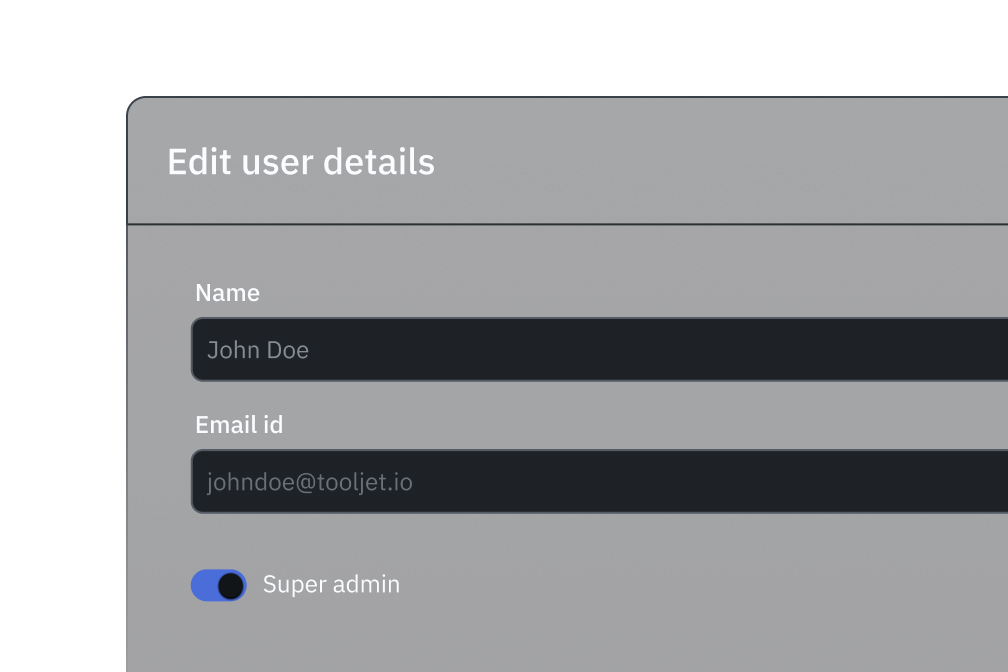
Edit user details (Super Admin)
Change user names and elevate any user to Super Admin status from the instance settings panel. Workspace Admins can update roles, groups, and metadata.
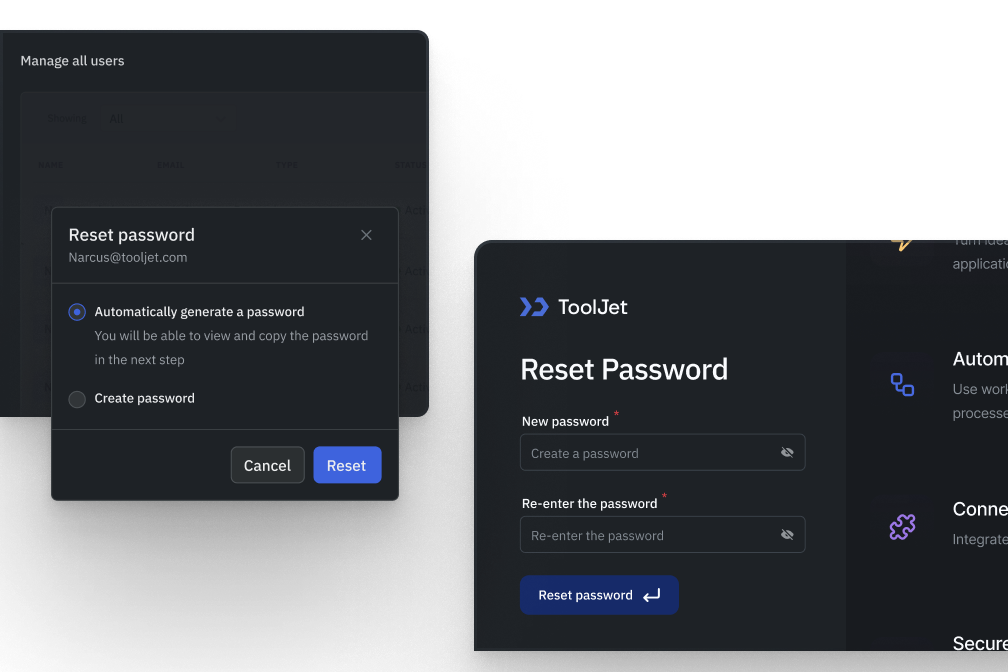
Password reset (two ways)
Users request a reset link from the login page. Super Admins can force a reset or set a password directly from the All Users panel - useful when users are locked out.
User profile self-service
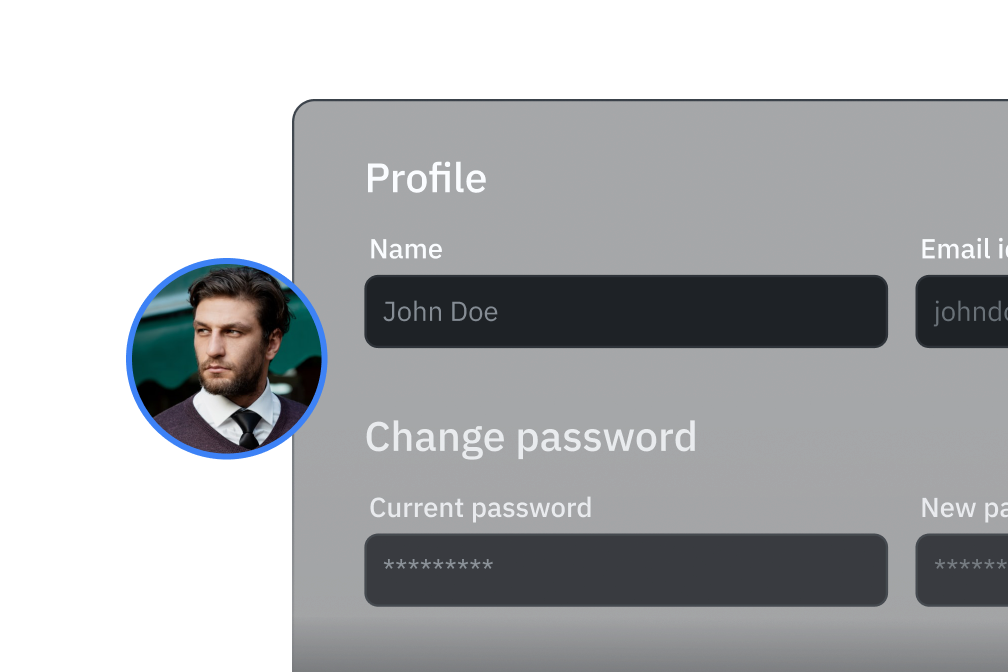
Each user can update their display name, upload a profile avatar, and change their password independently - no admin ticket required.